
Airport guides
Don Mueang Airport (DMK) pickup guide
A simple arrival sequence for meeting your chauffeur at Don Mueang Airport.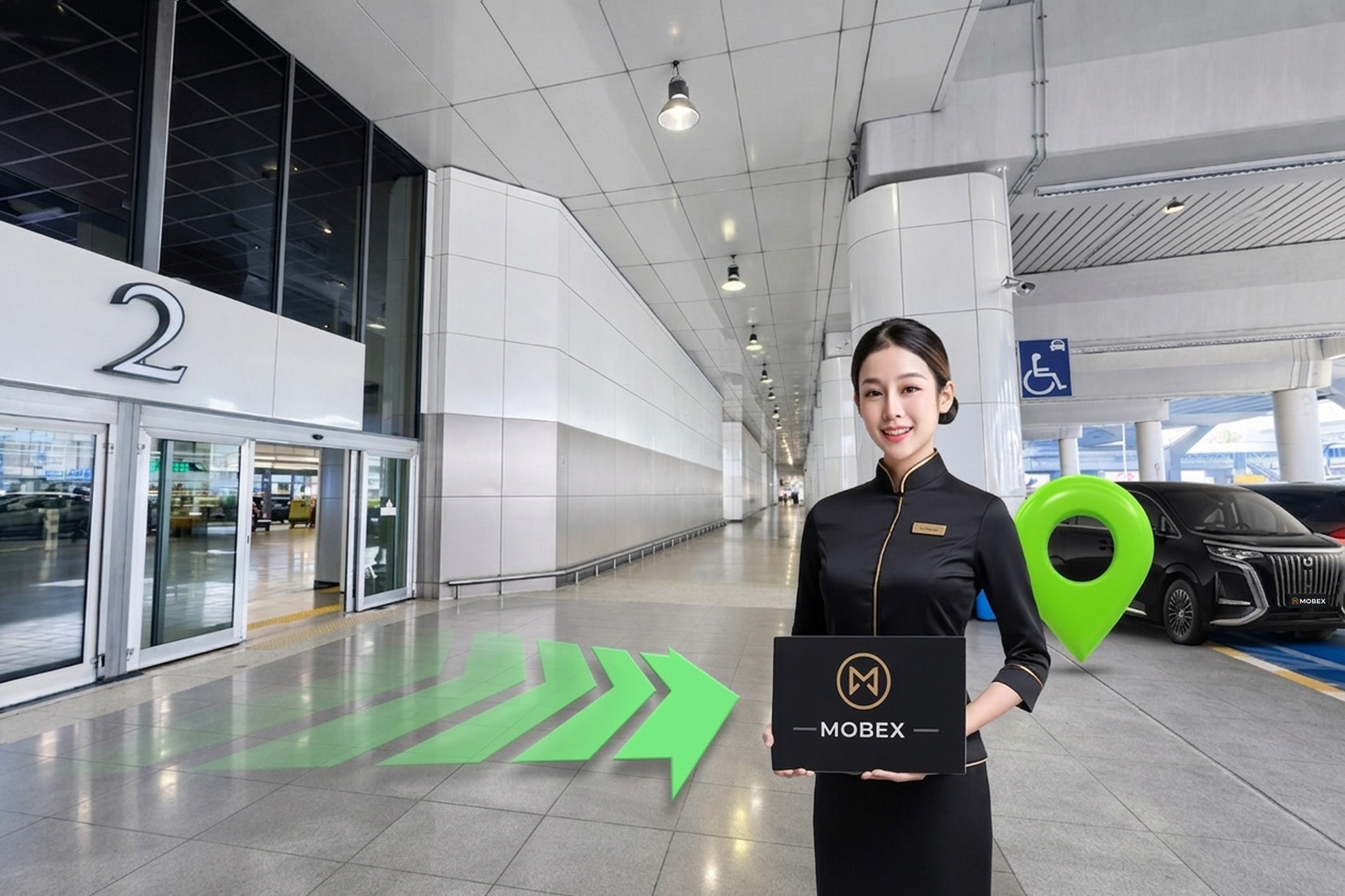
Using a chauffeur pickup at Don Mueang Airport for the first time should be straightforward. Keep your latest MOBEX confirmation to hand, because terminal procedures and meeting points can change.
1. Follow Arrivals
After leaving the aircraft, follow the Arrivals and passport-control signs relevant to your flight. Complete immigration when required, then check the baggage-screen information for your carousel.
2. Connect before leaving the secure area
Turn on roaming or connect to airport Wi‑Fi. Check your confirmation for the chauffeur name, vehicle details, confirmed meeting point and the MOBEX Operations contact.
3. Tell us when you have your luggage
Once every bag has arrived, send a short message to the chauffeur or MOBEX Operations. Do not leave the terminal for an unconfirmed pickup point.
4. Follow the confirmed meeting instructions
Proceed to the door or meeting area shown in your current booking confirmation. Look for the MOBEX name sign and verify the traveller name before handing over luggage.
If you cannot find the chauffeur
Remain at the agreed meeting area and contact the number shown in your confirmation. Airport layouts, terminal assignments and access rules can change, so the current confirmation always takes precedence over older online guides.
Before travel
Provide the correct flight number, passenger count and luggage details. This allows MOBEX Operations to monitor schedule changes and assign a vehicle that can safely carry the whole party.
PLAN WITH CONFIDENCE